
AI Music Remover - Remove Background Music from Audio & Video Free Online
Vocal Remover & Instrumental AI Splitter
Easily separate vocals, drums, bass, and more from any audio and video.



Trusted by 3.5 million users worldwide






























How to Remove Background Music Online with AI Music Remover
Easily remove background music from audio and video files online using our AI music remover. Follow these simple steps to remove music from MP3s, songs, and videos while keeping voice clear.
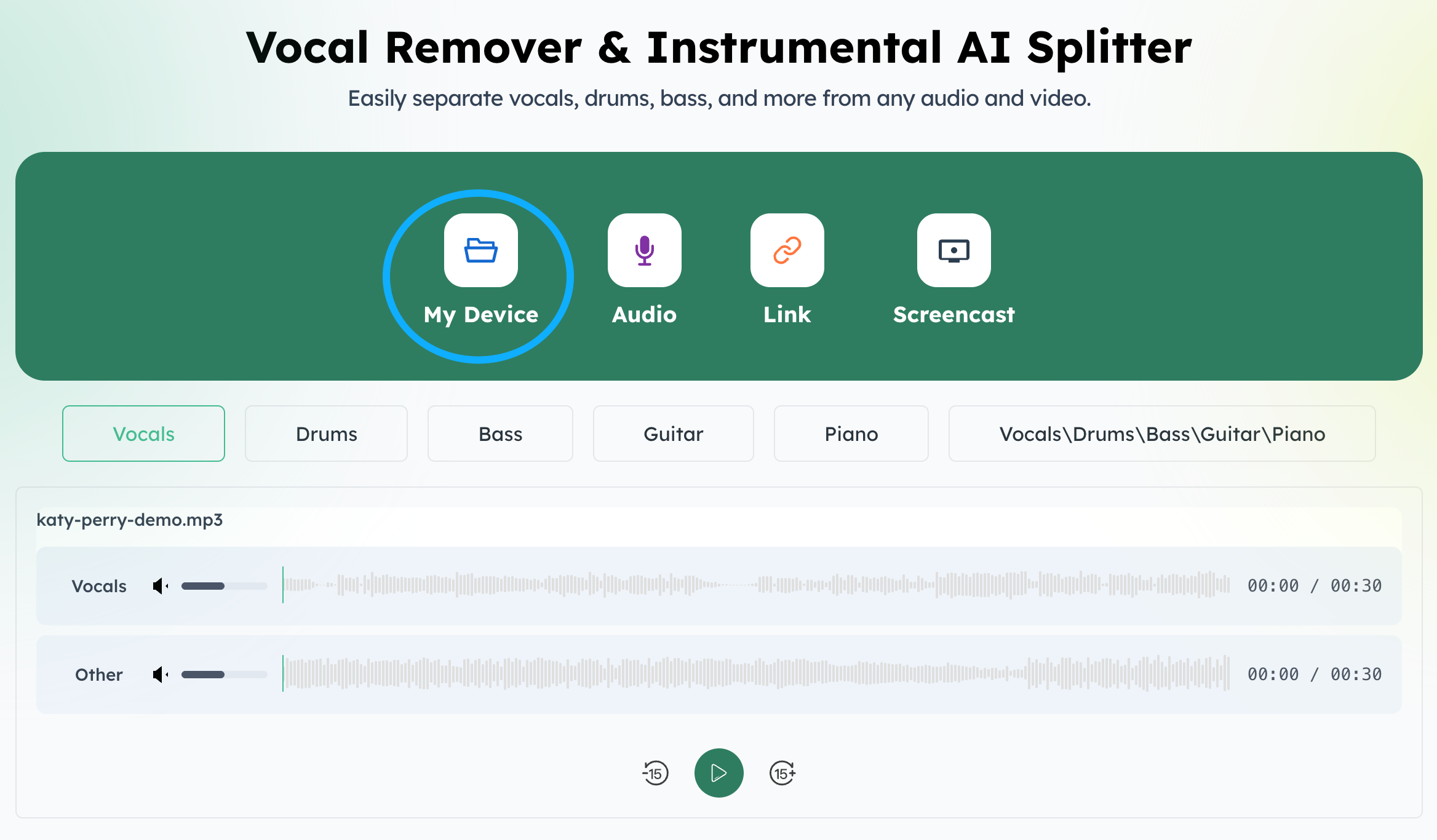
Upload your MP3, song, or video file to our AI music remover. We support multiple formats and allow you to remove background music from audio and video instantly online.
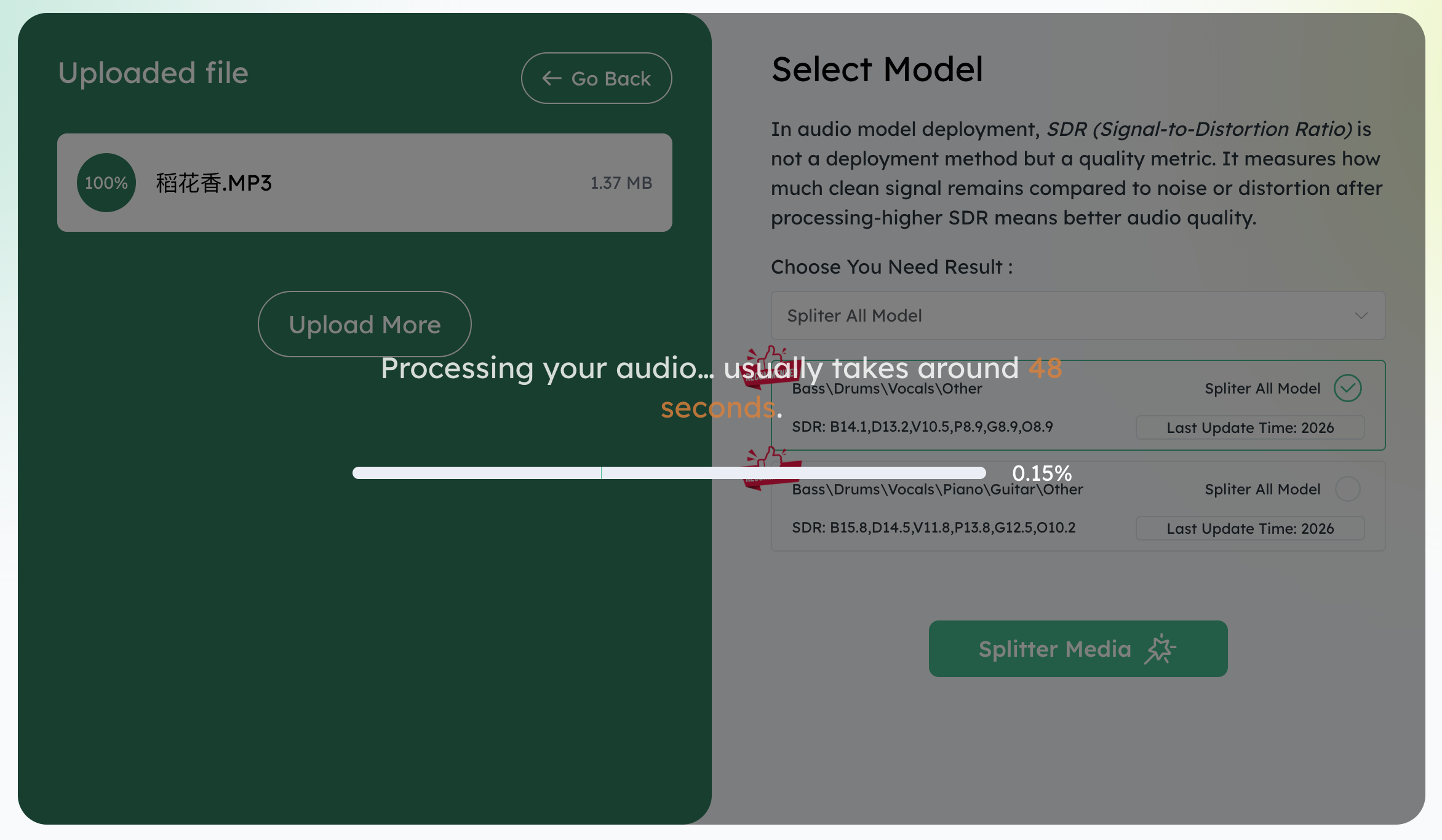
Our AI music remover analyzes your file and removes background music while keeping vocals and speech clear. No manual editing or software installation required.
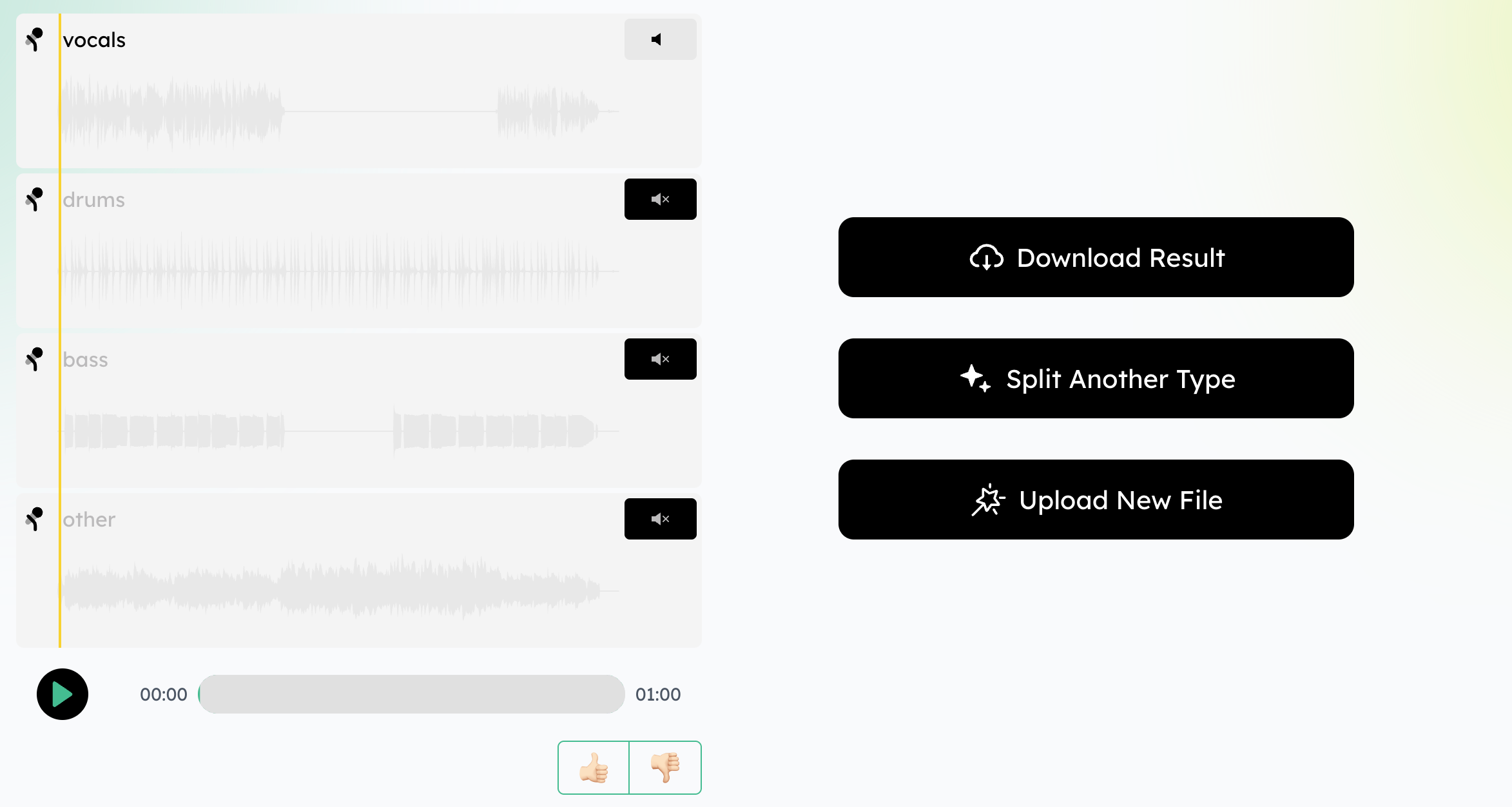
Preview and download your clean audio or video with background music removed. Perfect for podcasts, interviews, karaoke, and content creation.
Key Features of Our AI Music Remover
Remove Background Music from YouTube & Social Videos
When your video voice is covered by background music, use this AI music remover to remove background music from video while keeping voice clear - perfect for YouTube, TikTok, and Instagram creators.

Create Karaoke Tracks from Songs & MP3 Files
Want to sing along without vocals? Use our background music remover to remove music from songs and MP3 files online and instantly create karaoke or instrumental tracks.

Clean Up Podcast & Interview Recordings
If your podcast or interview contains unwanted background music, this AI music remover helps remove background music from audio while keeping speech natural and clear.

Prepare Videos for Dubbing, Translation & Voiceovers
Easily remove music from video files before dubbing or translating content. Our online music remover removes background music while preserving voice quality.

Remove Background Music Online with Better Results

AI-Powered Music Remover with Clear Voice Separation
Our advanced AI music remover removes background music from audio and video while keeping voice clear and natural - perfect for creators, podcasters, and professionals.

Remove Background Music from Video, Audio & MP3 Online
Easily remove music from video, audio, and MP3 files online without installing software. Our background music remover supports multiple formats for fast processing.

Free Online Music Remover with No Signup
Remove background music free online with no account required. Just upload your file and let our AI remove music from songs and videos instantly.

Fast Processing with Studio-Quality Results
Get high-quality vocal isolation in seconds. Our AI music remover delivers clean, professional-grade results when removing background music from audio and video.

Keep Voice Clear While Removing Music
Unlike basic tools, our music remover removes music from video but keeps voice clear, making it ideal for podcasts, interviews, voiceovers, and educational content.

Secure, Private & Browser-Based Processing
Your files stay private with secure online processing. No downloads, no watermarks - just a safe and reliable background music remover online.
See Why Users Love MusicRemover.ai for Removing Background Music from Audio & Video

Emily R
YouTube Creator

Jason L
Podcaster

Sarah M
Music Enthusiast

David K
Content Creator

Rachel T
Online Educator

Mark H
Video Editor
Frequently Asked Questions About Removing Background Music
- ?
How to remove background music from video or audio?
Upload your video or audio file to MusicRemover.ai, and our AI music remover will automatically remove the background music while keeping your voice clear.
- ?
How to remove music from video but keep voice?
Our AI-powered music remover lets you remove music from video files while preserving speech or vocals, making your content clean and professional.
- ?
How to remove background music from a song?
Simply upload your song or MP3, and the AI music remover will isolate vocals or instrumentals and remove background music in seconds.
- ?
How to remove lyrics from music?
MusicRemover.ai can remove lyrics from songs, leaving instrumentals intact for karaoke, remixing, or practice purposes.
- ?
How do you remove music from iPhone or Android?
You can use MusicRemover.ai directly in your mobile browser. Upload your audio or video file from iPhone or Android, and remove background music online instantly.
- ?
Can I use this to remove lyrics or vocals from music?
Yes! Our AI music remover allows you to remove vocals or lyrics from music tracks to create instrumentals, karaoke tracks, or remix-ready files.
- ?
Is this AI music remover really free to use online?
Yes, MusicRemover.ai is completely free to use online. No signup or installation is required - just upload your file and remove background music instantly.
- ?
Can I remove background music from a video without ruining the audio quality?
Absolutely! Our AI ensures that background music is removed while keeping voice and other important audio clear and natural.
- ?
How to remove the music and leave the voice from a music file?
Upload your music file to MusicRemover.ai, and the AI music remover will remove the background music while keeping vocals intact for podcasts, songs, or videos.
- ?
Can I remove background music from any file format?
Yes! MusicRemover.ai supports videos, audio, and MP3 files in multiple formats, allowing you to remove background music online without installing any software.